

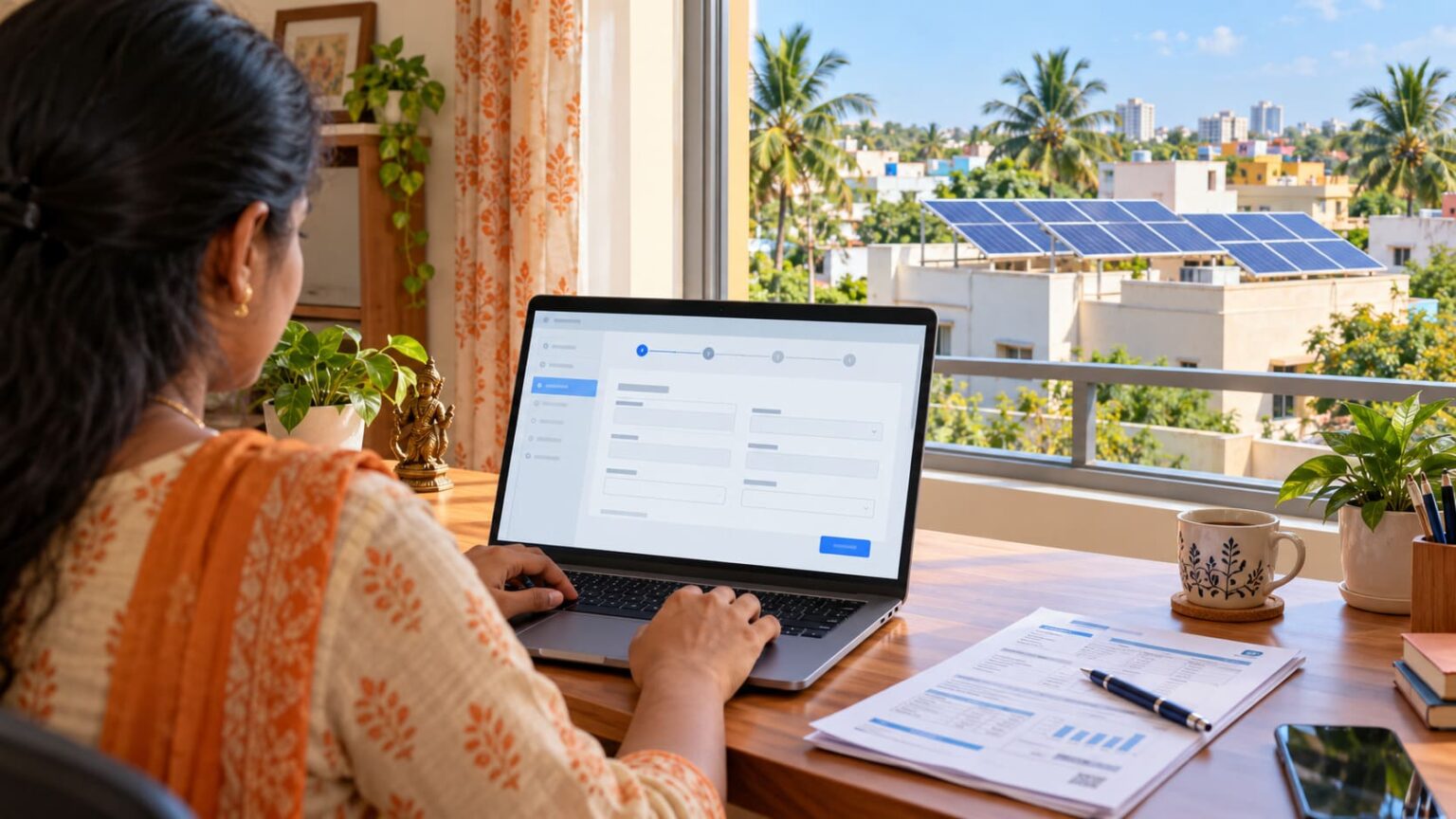
Planning to install solar panels at home? You need to apply through PM Surya Ghar, the central government’s website, and complete your electricity network connection through TNPDCL (Tamil Nadu Power Distribution Corporation Limited). The entire process follows a simple timeline: apply online, install your panels, complete the official inspection/meter connection, and claim your subsidy.
Eligible Tamil Nadu homeowners can receive up to ₹1 lakh in combined central and state subsidies for rooftop solar. Our solar subsidy guide explains the amounts, eligibility and documents needed. Here’s how to apply, complete the installation and claim your subsidy, step by step.
📋 Phase 1: Preparation
Before getting started, make sure you have your electricity bill, consumer number, mobile number, and email ready. You will also need to upload your identity/address proofs, roof ownership or permission papers, and the bank details where you want your subsidy money deposited.
🖥️ Phase 2: Registration & State Reference Generation
- Step 1: Register on PM Surya Ghar
Visit the central PM Surya Ghar Portal and click on consumer registration.- Enter your mobile number, verify it using the OTP code sent to your phone, and fill in your basic personal details.
- Step 2: Apply for the Rooftop Solar Scheme
Log back into the central portal and click “Apply for Solar Rooftop”.- Choose Tamil Nadu as your state, pick TNPDCL as your distribution company, and type in your consumer number exactly as it appears on your monthly bill.
- Submit the form and copy your national application reference number.
- Step 3: Generate Your TNPDCL State Reference Number
Because your connection goes through the state grid, you must link your central profile to the state network.- Go to the active TNPDCL Reference Number Generation Page.
- Enter your national application ID (which starts with
NP-TNGD26-XXXXXXXX) and fill in the security captcha. - Click submit to receive your state-level TNPDCL reference number.
- Step 4: Update Your TNPDCL Application Profile
Once you have your state number, navigate to the TNPDCL Application Details Update Page.- Enter your reference number to verify and complete your local profile. TNPDCL will process this to clear your power grid connection.
🛠️ Phase 3: Selection & Physical Installation
- Step 5: Pick an Approved Solar Installer
You must use a state-registered installer to remain eligible for financial aid.- Open the main Tamil Nadu Solar Roof Top Portal and click on the Empanelled Vendors tab to pick an authorized local business.
- Step 6: Install Panels & Upload Your Verification Files
Have your chosen company set up the solar infrastructure on your roof. Once fixed, log into the TNPDCL Document and Plant Photo Upload Page.- Type in your application number to upload your signed net-meter agreement, compliance declarations, and clear photos of the finished plant setup.
Note: Under current safety rules, home solar systems that are 10 kW or smaller do not require a separate technical feasibility study from the electricity board.
⚡ Phase 4: Final Inspection & Subsidy Release
- Step 7: Network Connection & Smart Metering
TNPDCL grid authorities will visit your home to inspect the safety of the setup.- They will remove your old meter and hook up a new bidirectional smart meter to track both the power you draw from the grid and the excess green energy you feed back into it.
- Once approved, they will digitally submit your official Commissioning Report.
- Step 8: Collect Your Subsidy Payment
As soon as the commissioning report goes live on the network, return to the central PM Surya Ghar Portal.- Navigate to the subsidy claim section, type in your bank account number, account holder name, and bank IFSC code, and upload a digital copy of a cancelled cheque.
- Your central solar subsidy cash will be deposited straight into your bank account after final processing.
How to Track Your Application
Website Portal:
- Visit the PM Surya Ghar National Portal.
- Access Login: Click on “Consumer Login” on the home page.
- Enter Details: Select your State, your Electricity Distribution Company (DISCOM), and enter your registered mobile number or electricity consumer number.
- Verify OTP: Enter the One-Time Password (OTP) sent to your registered phone number.
- Check Status: Once logged in, open the “My Application” or dashboard section. It will display a live progress timeline tracking stages like feasibility approval, inspection, net metering, and final subsidy disbursement.
Official Mobile App:
- Login & Track: Use your registered credentials to check your progress anywhere on your phone.
- Download: Search for and download the “PM – SURYA GHAR” application from the Google Play Store or Apple App Store.
💰 Automatic Processing of the Tamil Nadu State Top-Up Subsidy
The official Tamil Nadu Solar Acceleration Scheme runs on an integrated, zero-application model designed to save you from double paperwork. You do not need to submit a separate application to receive the Tamil Nadu state government’s financial share. Once all technical installation steps are fulfilled, you only file your primary claim on the central portal.
The moment the central bank transfer hits your account, the state portal instantly pulls your records from the national framework. The state’s nodal agency (TEDA) automatically processes your profile and deposits the local top-up money directly into your Aadhaar-linked bank account via Direct Benefit Transfer (DBT), typically arriving within 7 to 15 days after the central funds clear.