


1. Introduction
The digitization of land records in Tamil Nadu has made it easier than ever to verify property details, avoid fraud, and stay informed about ownership and zoning information. However, navigating the right portals and knowing what to search for still requires clarity.
This article breaks down how to access online property records across urban and rural areas in Tamil Nadu, what each document contains, and how to use this data to make informed real estate decisions.
2. Why Online Property Records Matter
Online access ensures:
- Transparency in ownership and transfer history
- Reduced dependency on brokers or agents
- Quicker legal verification during property transactions
- Tracking of encumbrances, classification, and approvals
Most importantly, it helps prevent registration of disputed or fake properties.
3. Major Online Portals for Tamil Nadu Land Records
| Portal / Department | Purpose and Access |
|---|---|
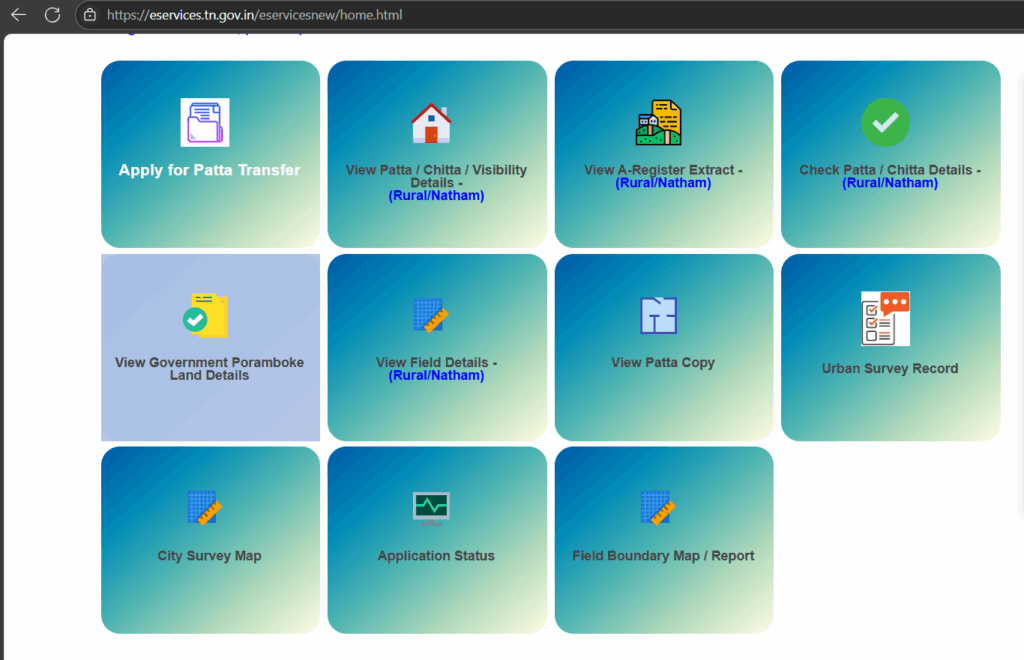
| TN e-Services | View Patta, Chitta, A-Register, TSLR, FMB |
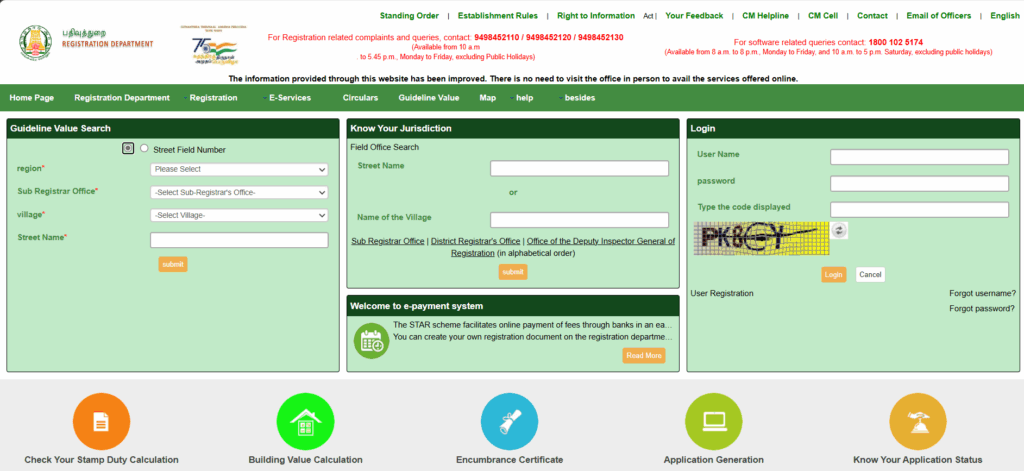
| TNREGINET | Check EC, Sale Deeds, Guideline Value, Stamp Duty |
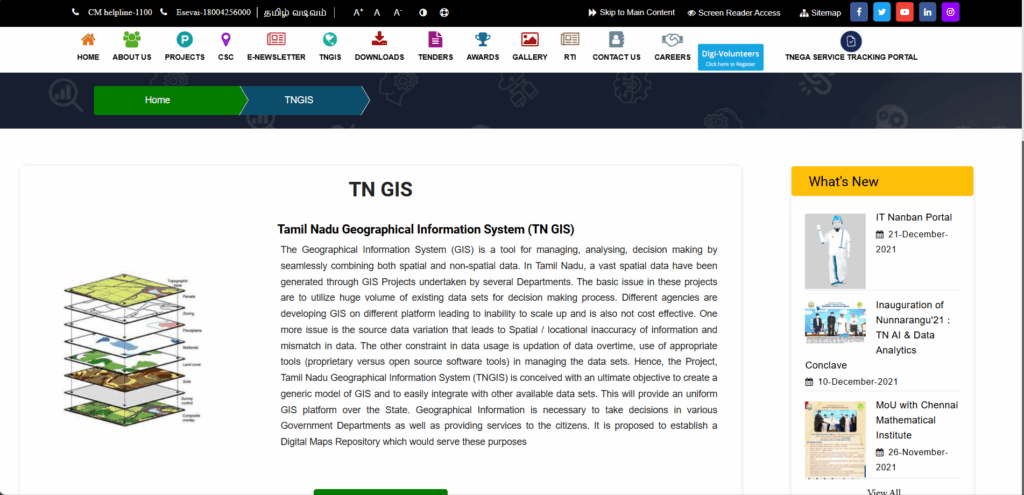
| TNeGA (GIS TN) | Visual map-based property details |
| Chennai Corporation e-Services | For UDR Patta and property tax records in Chennai |
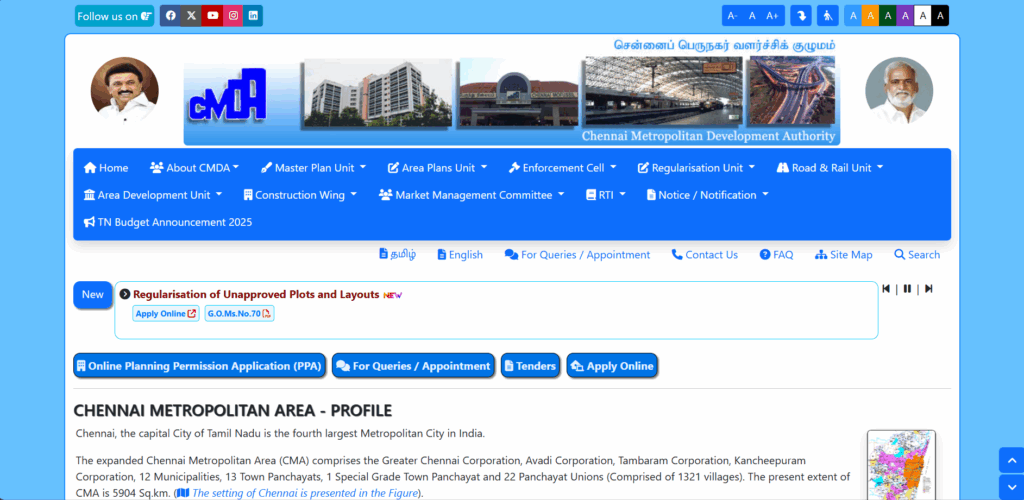
| CMDA Master Plan Viewer | Zoning, land use category, layout approvals |
Each portal serves a different purpose—cross-verification between them gives the most reliable results.

4. What You Can Check Online
Here’s what property information can be accessed digitally:
| Document Type | What You’ll Find |
|---|---|
| Patta / Chitta | Owner name, survey number, classification (Nanjai/Punjai) |
| A-Register | Land type, government/private status, extent |
| TSLR (Urban Patta) | Urban version of Patta—includes block/ward/door no. |
| EC (Encumbrance Certificate) | Transaction history, pending mortgages/liens |
| FMB Sketch | Field map showing dimensions, canal/road overlaps |
| Sale Deed Copy (abstract) | Basic sale deed info (SRO, parties, property details) |
| Guideline Value | Govt-notified land value for that survey number |
These records are the foundation of any due diligence process before purchasing land.
5. How to Search for a Property
To get accurate results, you’ll need:
- District and Taluk
- Survey Number (for rural) / Door No. (urban)
- Village name or block/ward
- Sub-Registrar Office (for EC, sale deed)
Each portal may use slightly different filters—use care while selecting location options.
6. Common Mistakes to Avoid
| Mistake | Consequence |
|---|---|
| Entering wrong survey number | Shows no record or unrelated property |
| Searching urban plot on rural portal | Gives zero results |
| Assuming online ≈ legally valid | Some old records may exist only in paper format |
| Not verifying with original Sale Deed | Data mismatch may go unnoticed |
Always compare online data with physical documents before making a decision.
7. Can Online Records Be Used in Legal Matters?
Online copies are helpful for reference, but they do not replace certified copies for legal purposes.
For official use:
- EC must be downloaded from TNREGINET with token
- Sale Deed must be certified from SRO
- Mutation must be confirmed with Taluk office entry
Still, online access saves time and allows for preliminary verification before deeper legal steps.
How Verified.RealEstate Helps You
Online data is only as good as your ability to interpret it. CLICK HERE
We help you:
- Navigate complex portals and identify correct entries
- Cross-check Sale Deed and Patta with EC and FMB
- Detect discrepancies in classification, ownership, encumbrance
- Access official certified documents for your case
Our experts make sense of the technical language and hidden traps.
Conclusion
Tamil Nadu’s online property record system is one of the most developed in India. But using it correctly demands more than typing a name into a box.
Make sure to:
- Know which portal to use
- Understand the document types
- Cross-verify with physical records
- Get expert help when in doubt
Your property decision depends on it.